


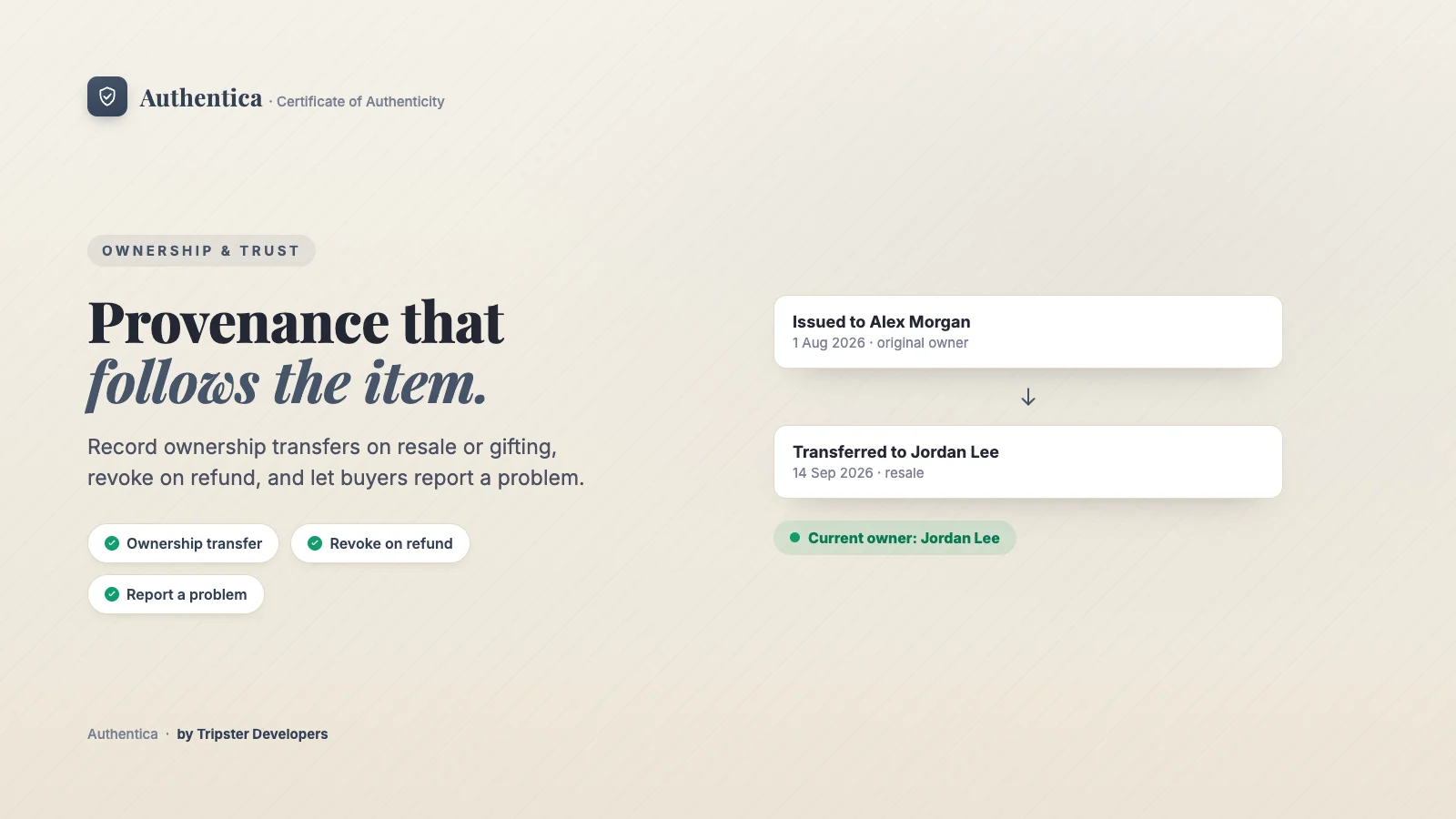
When an item is resold, gifted, or changes hands at auction, the buyer or the merchant can record an ownership transfer from the verification page. The certificate face updates to the current owner while the provenance trail keeps every previous owner on record, so the certificate travels with the item rather than staying frozen with the original buyer.
Where to find it
On the certificate's public verification page. The full ownership history also shows on the certificate's page in Apps → Authentica → Certificates.
How to set it up
Open the verification page
Scan the QR code or open the certificate link.Enter the new owner
Fill in the new owner's name, and their email if they should get a confirmation.Record the transfer
The certificate now shows the new owner, and the previous owner joins the provenance trail.
Who can transfer
Choose this in Settings → Ownership transfers. Nothing changes until you pick a different option.
| Option | How it works | Plan |
|---|---|---|
| Open (default) | Whoever holds the private certificate link from the certificate email records the transfer on the verification page, like handing over a paper certificate. Pages reached by a guessable order or serial number are view-only. | All plans |
| Only you, from the certificate page | The public page shows a short note that ownership changes go through the shop, with no transfer form. You record each transfer yourself from the certificate's page in the app. | All plans |
| Only you, with no transfer section on the public page | The public page shows nothing about transfers, and transfer requests are refused. You record each transfer yourself from the certificate's page in the app. | All plans |
| Verified | The current owner confirms by email, the new owner accepts by email, and with I approve each transfer before it takes effect it then waits for your approval. Links expire after 7 days and work once, so scanning a QR code can never change ownership on its own. | Pro |
Whatever you choose, you can always transfer a certificate yourself from its page in the app, and every transfer is written to the certificate's history with who made it.
With verified transfers, a pending request appears on the certificate's page with the date its email links expire. You can cancel it at any step, which stops its links working, and a request nobody acts on expires on its own after 7 days. The owner never changes while a request is pending.
Options
- Email the new owner: an optional email confirms the transfer to the incoming owner.
- Hide owner names: in Settings → Public certificate page you can keep owner names off the public page and the certificate. The page then shows the provenance as roles only.
- Report a problem: buyers can flag a suspected issue with an item directly from the verification page. The certificate is flagged for you to review in Certificates.
- Export the history: Certificates → Ownership history (CSV) exports every transfer for every certificate.
A revoked certificate cannot be transferred. If a certificate is replaced (for example a lost card), the new certificate keeps the same owner and full history.
Plan required
Related articles