


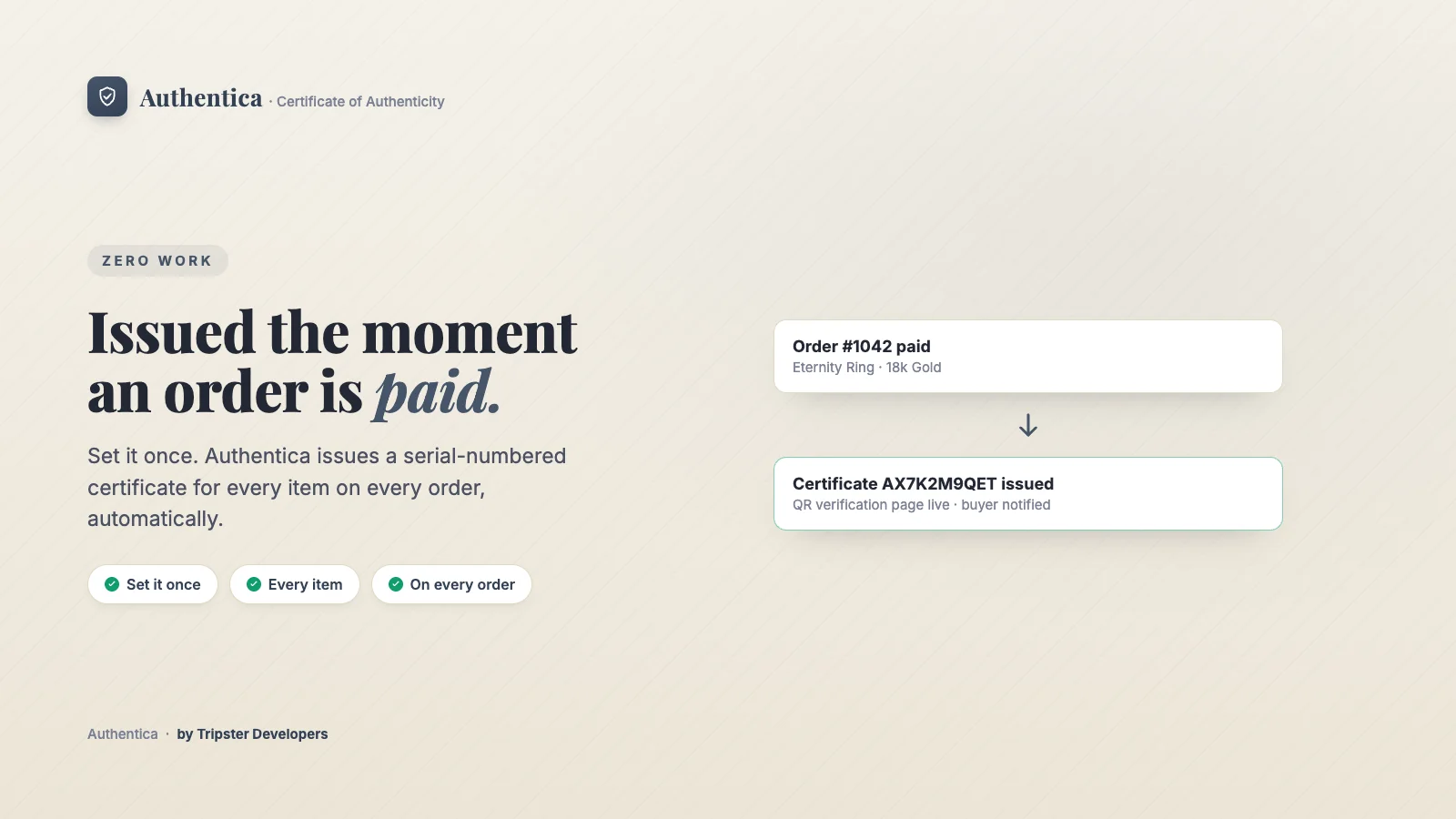
By default, Authentica issues one certificate per unit the moment an order is marked paid. A quantity of 3 on one line item issues 3 individually serialed certificates.
Where to find it
Apps → Authentica → Settings, in the Issuance and Never certify these sections.
How to set it up
Check auto-issue is on
Automatically issue a certificate for every order is on by default. When it is off, you issue certificates by hand.Choose the trigger
Under Issue certificates when an order is, choose Paid (the default) or Fulfilled.Limit it to some products (optional)
Turn on Only certify products with a specific tag and enter the Product tag. The default tag isauthentica, and capitals are ignored when matching.Leave out add-ons (optional)
Under Never certify these, tick Skip anything that isn't shipped, or exclude specific products, product types or product tags.Save
Your changes apply to the next order that comes in.
Options
Controlling when certificates go out
| Option | What it does |
|---|---|
| Trigger | Switch between "on payment" and "on fulfillment" in Settings. |
| Tag opt-in | Restrict auto-issue to products carrying a specific tag, if you only certify part of your catalog. If Authentica cannot read your product tags when an order arrives, it fails open and issues for every item, so certificates are never silently skipped. |
| Never certify these | Skip services and digital items, specific products, whole product types or tagged add-ons such as resizing, engraving or gift wrap. Gift cards are always skipped. |
| Metafield auto-fill | Map product metafields onto certificate fields in the designer so details like materials, carat weight or edition size fill in automatically. Variant metafields win over product metafields with the same key. |
| Manual issuance | Issue a certificate outside of a Shopify order entirely from Certificates → Issue a certificate, for a custom commission, an in-person sale, a wholesale deal, a gift, or a marketplace sale. |
Plan required
Related articles