


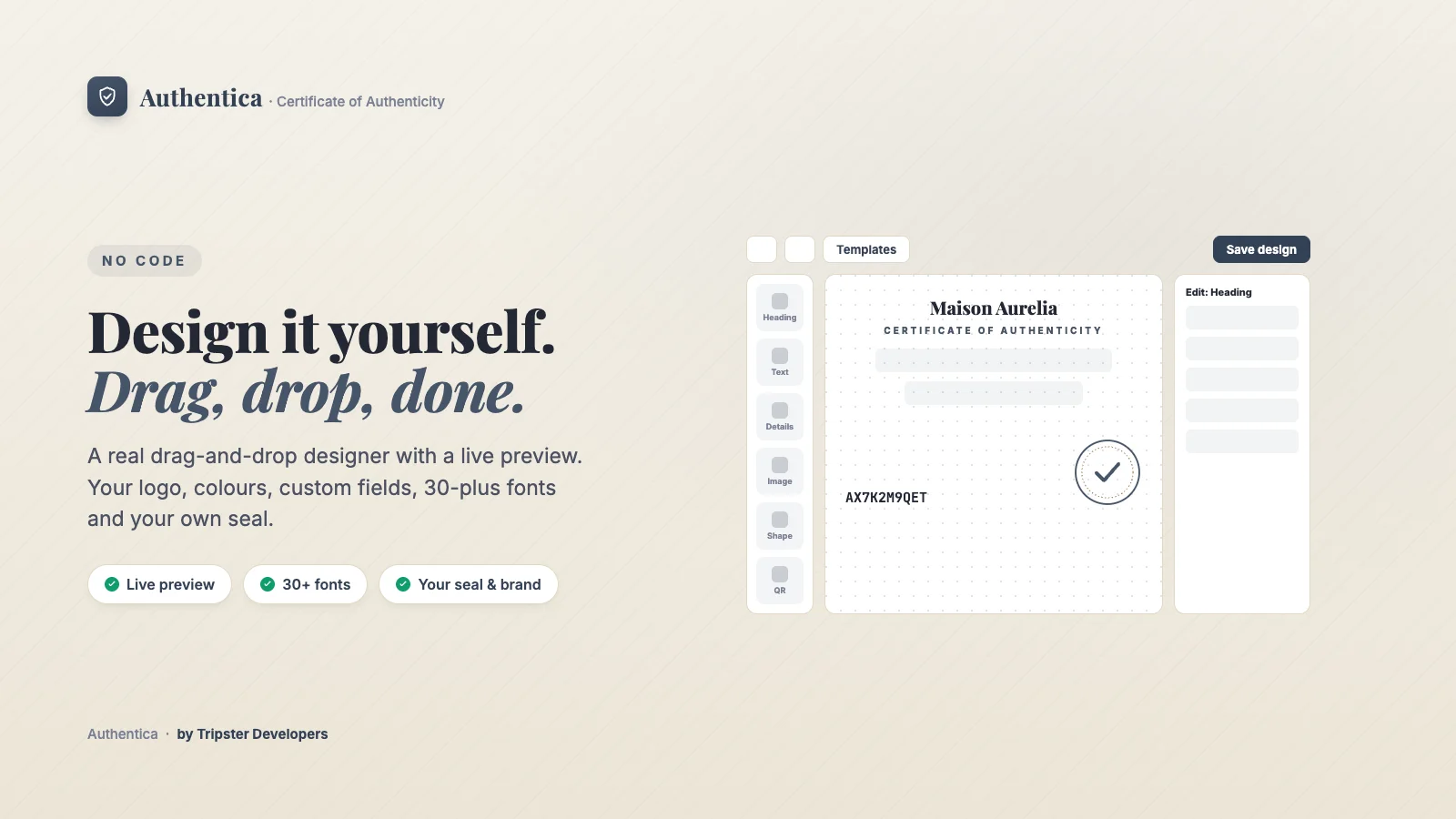
Open Design to build your certificate on a clean, free-positioning canvas. Nothing is fixed to a template layout.
Where to find it
In your Shopify admin, open Apps → Authentica → Design. Settings → Branding & design → Open the designer takes you to the same place.
How to set it up
Pick your category
Choose the category preset that matches what you sell. Authentica fills in suggested wording, detail fields and layout for it.Start from a template
Choose Classic, Modern, Minimal or Ornate as a starting point.Add and arrange elements
Add a heading, text, detail lines, an image, a shape, the QR code or a seal from the left rail, then drag them anywhere. Drag the handles to resize, use the arrow keys to nudge, and Cmd/Ctrl+Z to undo.Add your branding
Upload your logo and seal, set your brand color and choose from 30-plus fonts.Choose a theme and paper size, then save
Whatever you save becomes the design for every certificate, including ones already issued, because the verification page always renders your current design.
Options
What you can control
| Setting | What it does |
|---|---|
| Category presets | Fine art and prints, jewelry, watches, luxury fashion and handbags, sneakers and streetwear, collectibles and trading cards, autographs and memorabilia, wine and spirits, coins and bullion, and handmade and artisan goods, plus a General option. Picking one auto-fills suggested wording, fields and layout. |
| Layout | Drag, multi-select, align with guides, undo and layers, exactly like a design tool, not a form. |
| Branding | Your logo, a custom seal upload, an accent color, and 30-plus fonts. |
| Theme | Light, dark, ivory or charcoal, plus your own accent. |
| Custom fields | Add any wording or data field your certificate needs beyond the defaults. A detail line can pull a product or variant metafield when its value is set to Custom field (from the product/order). |
| Paper size | Choose the print size (A4, US Letter, A5, A6 or square) for a print-ready certificate to include in the package, printed or saved as PDF. |
Plan required
Related articles