


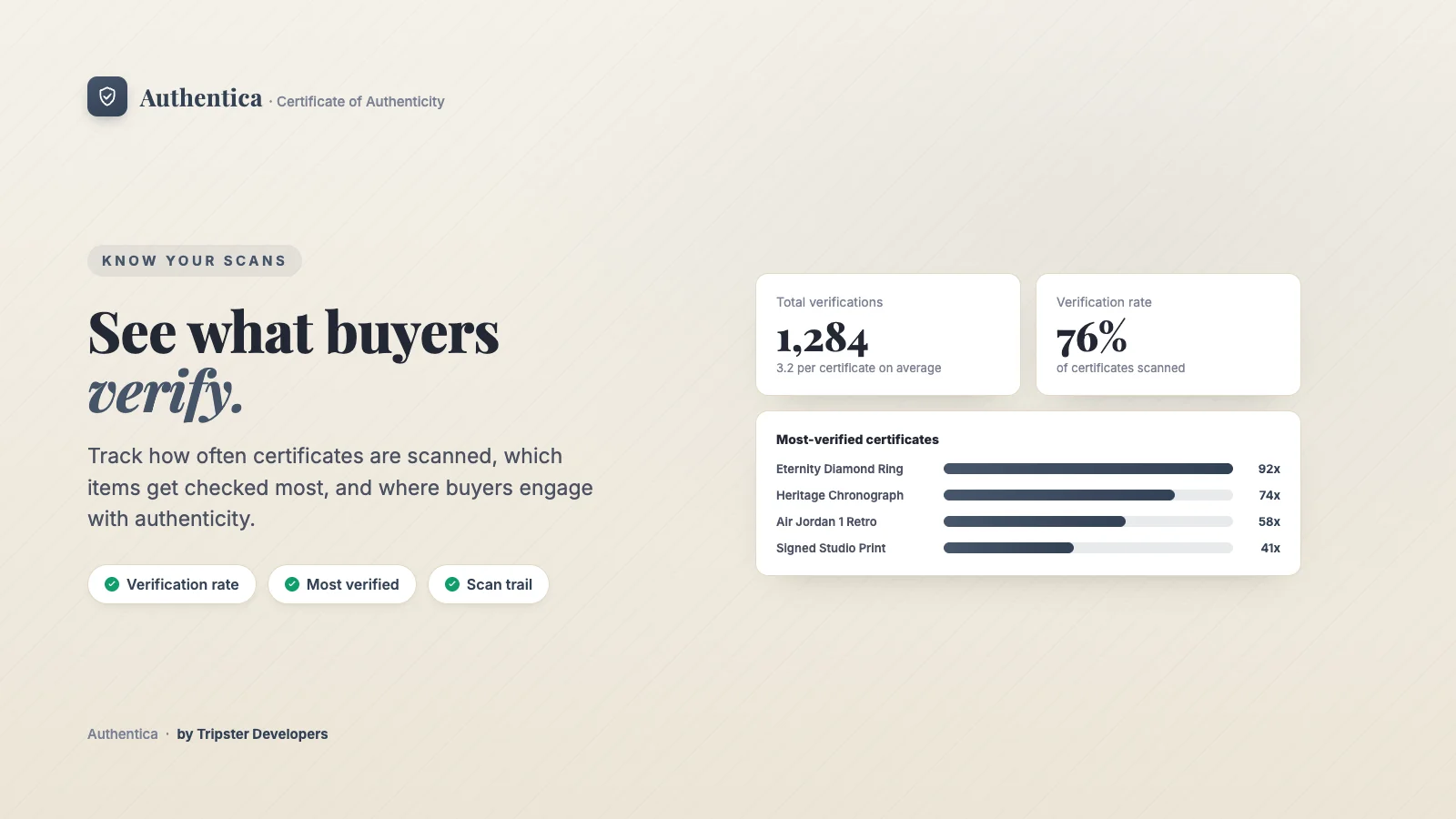
Insights shows how buyers are using your certificates: how often they scan them, which items get checked most, and which certificates may need your attention.
Where to find it
Apps → Authentica → Insights.
What it shows
| Section | What it tells you |
|---|---|
| Total verifications | Every time a certificate was verified, and the average per certificate. |
| Verification rate | How many of your certificates have been scanned at least once, out of the total. |
| Ownership transfers | How many transfers buyers have recorded, and how many certificates are flagged for review after a problem report. |
| Possible QR cloning | How many certificates were verified from an unusual number of sources, which can mean a copied code. See Problem reports and cloning alerts. |
| Most-verified certificates | The certificates buyers check most. |
| Recently verified | Each certificate's serial and when it was last scanned. |
| Not yet scanned | How many certificates no one has scanned yet, with a shortcut to print QR labels so more of them get checked. |
Until buyers start scanning, Insights shows a prompt to open a sample certificate instead.
Plan required
New to Authentica? Install it free from the Shopify App Store →
Related articles