Live on the Odoo App Store
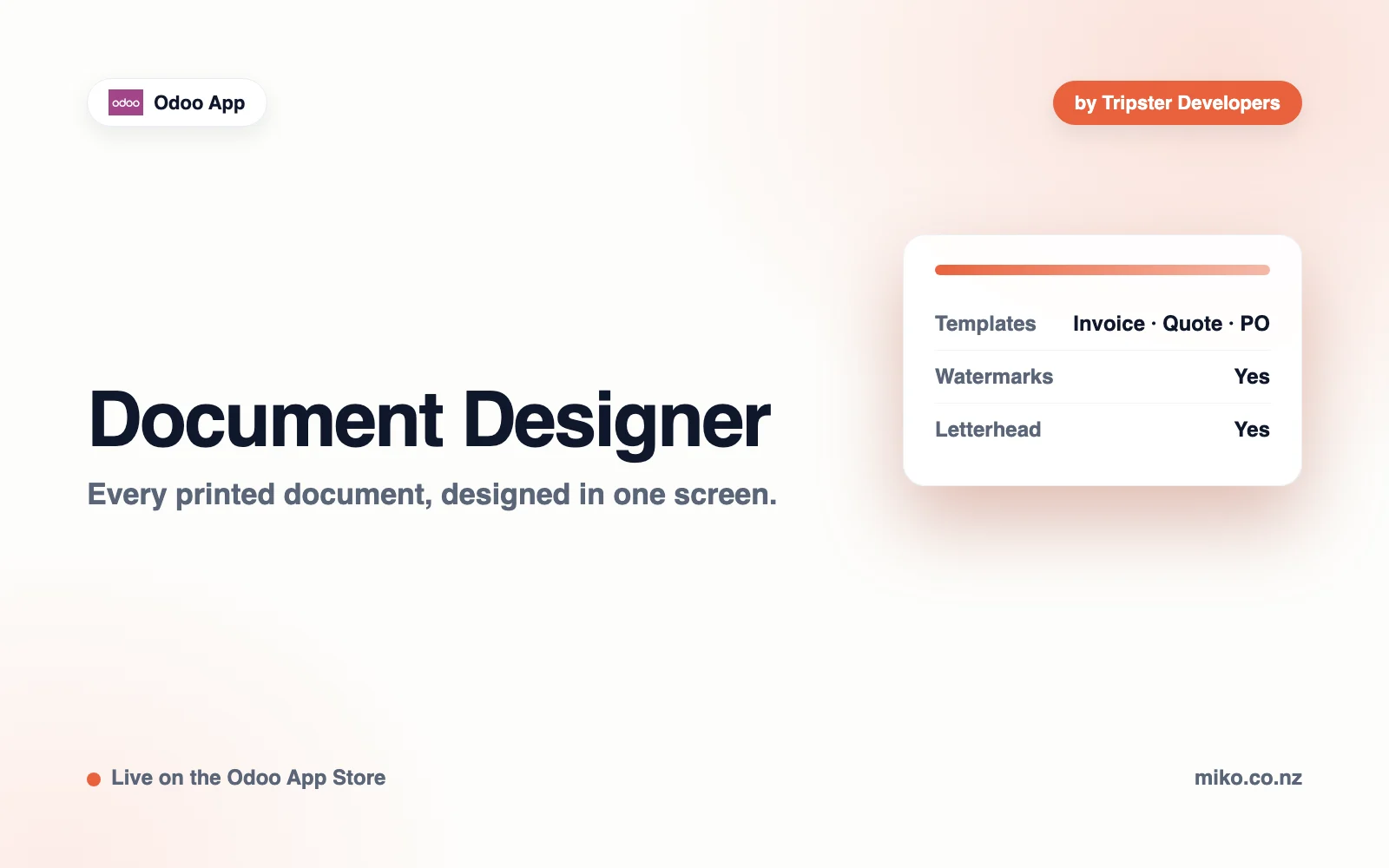
Every printed document, designed in one screen.

Features
Odoo's own layout screen stops at logo, colors and font. Everything else about how your invoices actually look is spread across report templates, which is why most businesses either live with the default or pay someone to fork the XML.
This puts the rest in one screen, and applies it to every document you print: quotations, invoices, purchase orders and delivery slips.
Compact or roomy rows, stripes in your own colour, horizontal rules, a full grid or none, and a coloured header row. Text size and line spacing too.
The product image beside each line, at the size you choose. Section headers, notes and subtotals are never numbered or striped as if they were products.
Text or an image on every page, at the angle, size and opacity you set.
Merged into the page rather than flattened, so the text stays selectable. Terms and conditions appended as a last page, from a PDF you upload.
In the document's own currency, alongside a bank details block with a title you choose.
Rules let one customer, or one document type, print differently from the rest, without maintaining a second template.
How it works
Installing it changes nothing on paper. Documents only move once you design them, and one switch returns every document to stock Odoo without losing a setting.
Add the module to your addons path or your Odoo.sh branch and install it from the Apps menu. It adds a Document Designer menu for administrators.
Document Designer > Design opens Odoo's own layout settings with every new control beside them and a live preview. Print a real PDF sample to judge the watermark, letterhead and appended pages.
Document Designer > Rules lets one customer or one document type differ: its own layout, its own watermark, no letterhead or no appended terms. A rule carries only what it changes.
Technical Edge
No other app is pulled in, and nothing is required beyond the Odoo you already run.
Everything Odoo already owns is written straight back to the company record rather than shadowed, so your existing reports stay correct and uninstalling this module leaves your branding exactly as you set it.
Checked in the module source and the live Odoo App Store listing, September 2026
Pricing
Bought on the Odoo App Store under OPL-1, for the Odoo version you run.
From USD 99
One-time purchase · OPL-1
On quote
Scoped with you before any work starts
Built For
Businesses whose printed documents are the customer-facing artefact: an invoice a finance team files, a quotation that competes with three others, a delivery slip that arrives in the box. If those documents currently look like default Odoo, they are saying something you did not choose to say.
FAQ
No. Everything Odoo already owns is written back to the company record rather than shadowed, so existing reports stay correct and uninstalling leaves your branding as you set it.
No. It installs on its own and requires nothing beyond the Odoo you already run.
Yes. Rules let one customer, or one document type, differ from the rest.
Every listed Odoo version is certified on each release by installing the module into a real Odoo image of that series and running the full test suite. A version is only listed once it passes.
Odoo Online cannot run third-party modules that contain Python, which is Odoo's rule rather than ours. Odoo.sh and self-hosted installs are both fine.
Email hello@tripsterdevelopers.com with your Odoo version, the module version and what you did. If a document prints in a way you do not expect, attach the PDF and say which rule applies to it, which answers most questions immediately.
Yes. Odoo 16, 17, 18 or 19, Community or Enterprise. The same build installs on either edition.
Download the module from its Odoo Apps Store page, place the folder in your addons path, restart Odoo, then update the apps list and install it from the Apps menu. Odoo.sh users add it to the repository branch instead.
Each listed Odoo version has its own build. When you move to a new major version, install the build for that version; the configuration you have already entered is read by the new build.
Inside your own Odoo instance. The module runs on your server and talks to your own systems. We do not host your records and we do not receive a copy of them.
Yes. Odoo modules are distributed as readable Python and XML, so your own developer can review exactly what runs and extend it under the license the module ships with.
Your Odoo version, the module version from the Apps screen, and the PDF that printed wrongly. Those three together are usually enough to answer in one reply rather than four.
Yes, at the same support address. Say what you are trying to achieve rather than the field you want added; it is often already possible, and when it is not, the underlying goal is what shapes the change.
Each release note is published on the module's Odoo Apps Store page, against the version number shown on the Apps screen in your own database.
Tripster Developers, a Shopify Partner and Odoo module publisher based in Auckland, New Zealand. The same team writes the code and answers the support mail.
Miko Apps
Document Designer is live on the Odoo App Store, published by Tripster Developers.
Miko for Odoo
Published and maintained by Tripster Developers on the Odoo App Store. See all Odoo apps.
Not on Shopify yet?
Set up your store in minutes and try it with your own products. Loyalty, wholesale pricing, AI descriptions and the rest of the Miko apps install in one click once your store is live.