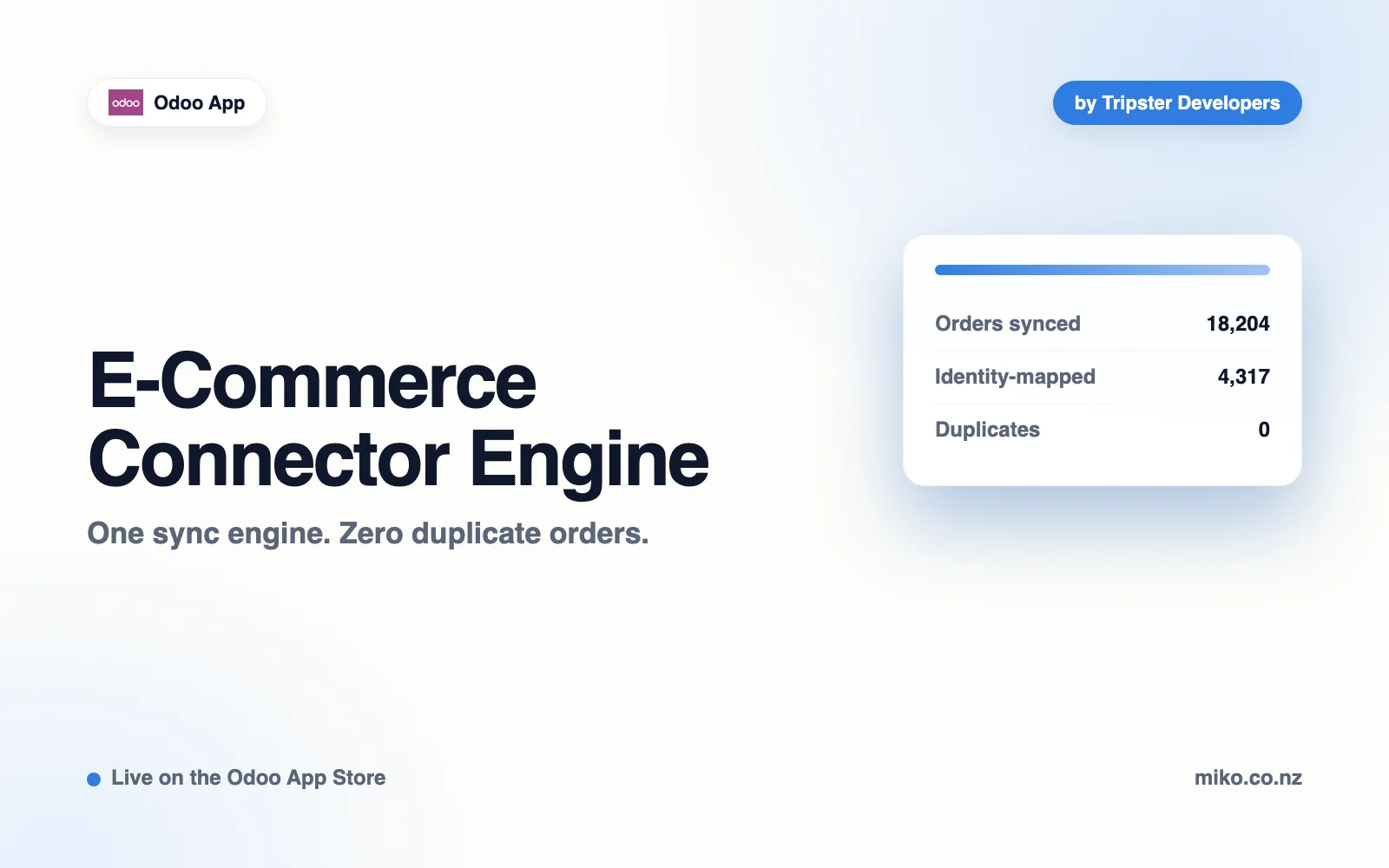
E-Commerce Connector EngineE-Commerce Connector Engine

Live on the Odoo App Store

E-Commerce Connector Engine for Odoo

The engine, not the car.

  • Odoo 16, 17, 18 and 19. Community or Enterprise, on Odoo.sh or self-hosted.
  • Free and open source. LGPL-3, published by Tripster Developers.
E-Commerce Connector Engine for Odoo by Tripster Developers

Features

What it provides

This is the plumbing every store connector needs and nobody wants to write twice: identity mapping so a re-run never duplicates an order, a job queue that keeps its failures instead of losing them, and a log you can actually answer questions from.

On its own it does nothing visible, and that is deliberate. You install a platform connector alongside it and Odoo pulls this in automatically as a dependency. It is free precisely because it is a dependency rather than a product.

Identity mapping

Every external record is mapped to its Odoo counterpart before anything is written, so a re-run converges on the same record instead of creating a second one.

A job queue that keeps failures

Nothing is lost when a sync stops halfway. Every job keeps the exact payload that caused it, so a retry replays the failure without asking the store for the data again.

Field mapping

Descriptive store fields to the Odoo fields you choose, per store, each row switchable. Identity, order totals and tax lines are fixed, so duplicate prevention cannot be broken by a mapping.

A tax mapping table

So an unmapped rate can stop an order rather than silently under-billing it. Every tax the store sends is recorded, mapped or not.

A readable sync log

With the payload attached to the job that failed. There is a Retry now button on every job, and Sync Jobs opens filtered to what failed.

Safe first-sync defaults

Orders are not confirmed or invoiced automatically unless you switch it on, and an import-from date stops a first sync pulling years of history.

How it works

How it works

The engine sits underneath whichever connector you install. You work in the connector; the engine keeps the records straight.

  1. 01

    Install a platform connector

    Odoo pulls this in automatically as a dependency, and adds a Store Sync menu with Stores, Sync Jobs and Linked Records.

  2. 02

    Add your store

    The connector adds its own tab with credentials and settings: sales team, warehouse, pricelist, invoice journal and what to do with an unmapped tax.

  3. 03

    Import, review and watch the queue

    Nothing is confirmed, invoiced or written back until you say so. Sync Jobs shows what worked, what is retrying, and what needs you.

Technical Edge

How failures are separated

Failed is transient: a dropped connection, a rate limit, a 502. It is retried automatically with exponential backoff.

Needs attention means something has to change before it can work: a tax with no mapping, a product not in Odoo, a revoked key. These are never retried on a timer, because a timer cannot fix them, and each one carries the sentence saying what to do.

Technical Stack

Checked in the module source and the live Odoo App Store listing, September 2026

Odoo versions
16.0 to 19.0Four series, each certified with 21 automated tests on a real Odoo image before it is listed.
Editions
Community and EnterpriseOn Odoo.sh or self-hosted. Not Odoo Online, which cannot run third-party Python modules.
Depends on
Sales and Inventory (standard)sale_management and stock. Invoicing comes with them.
Adds
Store Sync menuStores, Sync Jobs and Linked Records, plus the tax and field mapping tables each store uses.
Scheduled actions
Store Sync: retry failed jobsEvery 10 minutes it retries Failed jobs whose backoff has passed (2 minutes, then 4), for three attempts in all. Needs attention jobs are left alone.
Duplicate prevention
One link per store recordA store id can map to only one Odoo record per store, enforced by the database as well as the code.
Reads and writes
Writes its own tablesMappings, jobs and settings. Orders, products and customers are written by the connector you install, through this engine.

Pricing

Free and open source.

Published by Tripster Developers on the Odoo App Store under LGPL-3. The platform connectors that build on it are sold separately.

E-Commerce Connector Engine

Free

LGPL-3 · Odoo 16.0 to 19.0

  • Identity mapping, job queue and sync log
  • Tax and field mapping tables
  • Community and Enterprise
  • Installed for you by any Miko connector
View on the Odoo App Store ↗

Custom work

On quote

Scoped with you before any work starts

  • A connector for another platform
  • Built by the team that wrote the engine
  • Separate from module support
Talk to us

Built For

The connectors that build on it

Install whichever platform you sell on. Each one adds its own credentials tab and settings, and shares this engine's duplicate prevention and retry behavior.

FAQ

Questions

Do I install this before the connector?

No. Install the platform connector you need and Odoo pulls this in automatically as a dependency. It is listed separately so the three connectors can share one engine rather than each shipping its own copy.

What is the difference between a Failed job and one that Needs attention?

Failed is transient: a dropped connection, a rate limit, a 502. Those retry automatically with exponential backoff. Needs attention means something has to change before it can ever work, such as a tax with no mapping, a product not in Odoo, or a revoked key.

Why is this a separate module instead of part of each connector?

So every connector shares one implementation of duplicate prevention and retry, tested once, instead of each carrying a divergent copy. It is free precisely because it is a dependency rather than a product.

What does it do on its own?

Nothing visible. It is the engine, not the car. Install a platform connector alongside it.

Which Odoo versions are supported?

Every listed Odoo version is certified on each release by installing the module into a real Odoo image of that series and running the full test suite. A version is only listed once it passes.

Does it work on Odoo Online?

Odoo Online cannot run third-party modules that contain Python, which is Odoo's rule rather than ours. Odoo.sh and self-hosted installs are both fine.

How do I get help?

Email hello@tripsterdevelopers.com with your Odoo version, the module version and what you did. If a sync job failed, the job record holds the exact payload and the error, which answers most questions immediately.

Does it work on Community as well as Enterprise?

Yes. Odoo 16, 17, 18 or 19, Community or Enterprise. The same build installs on either edition.

How do I install it?

Download the module from its Odoo Apps Store page, place the folder in your addons path, restart Odoo, then update the apps list and install it from the Apps menu. Odoo.sh users add it to the repository branch instead.

Will it survive an Odoo upgrade?

Each listed Odoo version has its own build. When you move to a new major version, install the build for that version; the configuration you have already entered is read by the new build.

Where is my data processed?

Inside your own Odoo instance. The module runs on your server and talks to your own systems. We do not host your records and we do not receive a copy of them.

Can I read and adapt the source?

Yes. Odoo modules are distributed as readable Python and XML, so your own developer can review exactly what runs and extend it under the license the module ships with.

What should I send when something is wrong?

Your Odoo version, the module version from the Apps screen, and the message from the job log. Those three together are usually enough to answer in one reply rather than four.

Do you take feature requests?

Yes, at the same support address. Say what you are trying to achieve rather than the field you want added; it is often already possible, and when it is not, the underlying goal is what shapes the change.

Is there a public changelog?

Each release note is published on the module's Odoo Apps Store page, against the version number shown on the Apps screen in your own database.

Who builds and maintains these modules?

Tripster Developers, a Shopify Partner and Odoo module publisher based in Auckland, New Zealand. The same team writes the code and answers the support mail.

Miko Apps

One sync engine. Zero duplicate orders.

E-Commerce Connector Engine is free and open source (LGPL-3), published by Tripster Developers.

Miko for Odoo

Other Miko apps for Odoo

Published and maintained by Tripster Developers on the Odoo App Store. See all Odoo apps.

Not on Shopify yet?

Start a free Shopify trial, then add Miko apps when you are ready.

Set up your store in minutes and try it with your own products. Loyalty, wholesale pricing, AI descriptions and the rest of the Miko apps install in one click once your store is live.