Miko Restock: Inventory & PO
Stocky shut down 31 August 2026

Your suppliers cannot be exported from Stocky

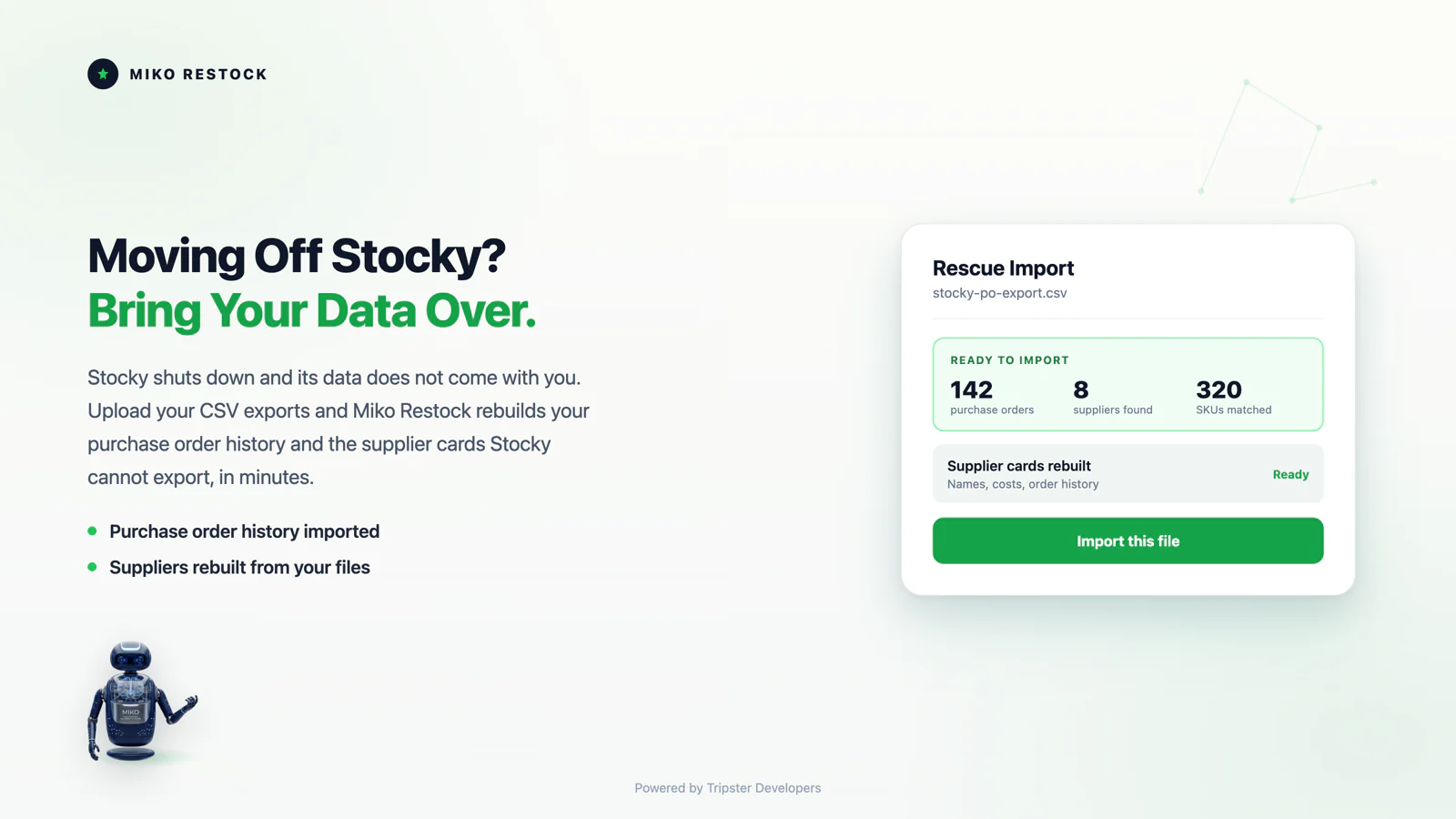
Stocky has no supplier export and no bulk export for purchase orders. Shopify's own advice was to retype it all into a spreadsheet by hand before the app switched off. You do not have to. Download your purchase order files, upload them together, and your supplier list and order history are rebuilt for you.

Free, no card. The rescue stays free permanently, whether or not you use anything else.

What you lose when read-only access ends

These are Shopify's published facts, not our sales pitch. Check them on the Shopify Help Center page before you trust anything here.

Suppliers, gone entirely

There is no supplier export in Stocky. Contacts, lead times and minimum order quantities disappear with the app.

Purchase orders, one at a time

No bulk export exists. Every order has to be opened and downloaded on its own.

Nothing moves by itself

Purchase orders, stocktakes and inventory reports do not migrate to Shopify automatically.

No way back

Stocky was delisted on 2 February 2026. Uninstall it and it cannot be reinstalled.

How the rescue works

1. Download your orders

In Stocky, open each purchase order and choose Download, then CSV. Tedious, but it is the only export Stocky gives you.

2. Upload them all at once

Drag every file in together. No limit, no per-file work.

3. Suppliers rebuilt

Supplier names sit on every purchase order, so we read them back out and reconstruct the list Stocky will not give you.

4. Check, then keep

You see what was found before anything saves. The history and supplier cards are yours either way.

Works with exports from any tool, not only Stocky. There is a template if you would rather build the file yourself.

What this cannot do

It cannot undo a deletion

Anything already removed, or a Stocky account already uninstalled, is beyond reach.

It only knows what is on the orders

A supplier that never appeared on a purchase order cannot be recovered, because that record only ever existed inside Stocky.

It is not a Shopify product

Miko is independent and is not affiliated with Shopify or Stocky.

We would rather you knew the limits now than discovered them on 1 September.

Questions people are actually asking

No. There is no supplier export. Shopify's guidance is to copy contacts, lead times and minimum order quantities out by hand. Supplier names do appear on your purchase orders, which is what makes rebuilding them possible.

No. Each order must be downloaded individually as CSV. Once downloaded they can all be uploaded together in one go.

It stopped on 31 August 2026, and it left the App Store on 2 February 2026 so it cannot be reinstalled. Shopify keeps read-only access for at least 90 days after the shutdown, which is the window you are in right now: exports are still possible, but not for long.

Purchase orders, stocktakes and inventory reports do not migrate automatically. Supplier records have no export at all, so whatever is not copied out is lost when read-only access ends.

No. Export everything first. Shopify warns data might not be retrievable on reinstall, and since the delisting there is no reinstall available anyway.

It depends on what you used Stocky for. If it was purchase orders and supplier management, you need a tool that handles both, not just stock counts. Miko Restock covers demand forecasting, reorder points, purchase orders and supplier lead times inside Shopify admin. Prediko, Fabrikator, Inflow and Sumtracker are also credible options and we would rather you picked the right one than the one we sell.

Not a like-for-like one. Shopify has folded some inventory features into the admin, but purchase orders, supplier records and demand forecasting as Stocky did them are not natively replaced. That gap is why a third-party app is required rather than optional.

Shopify pulled Stocky from the App Store on 2 February 2026 ahead of the full shutdown. The practical consequence is that no new installs are possible, and if you uninstall it now you cannot put it back. Do your exports before you remove anything.

Inventory transfers and min/max forecasting were removed in July 2025, more than a year before the shutdown. If those disappeared on you and you assumed it was a bug, it was not. The rest of Stocky followed on 31 August 2026.

No, and this is the part that catches people out. Historical purchase orders, stocktakes, supplier records and inventory history do not move across automatically. If it is not exported before read-only access ends, it is gone.

Purchase orders with their line items, stocktake and inventory count history, supplier contact details with lead times and minimum order quantities, and cost prices. Cost prices matter most because they drive margin reporting and are painful to reconstruct.

The app stopped working on 31 August 2026, but Shopify keeps read-only access for at least 90 days after the shutdown. If you can still reach your Stocky data, export it now, because when read-only access ends anything not exported is unreachable.

For a small catalog with a handful of suppliers, under an hour. For a store with years of purchase orders and dozens of suppliers, budget a working day, because suppliers have to be copied out by hand. Start now rather than on the 30th.

It becomes unreachable. Purchase orders live in Stocky rather than in Shopify's core order data, so now that the app has stopped there is no Shopify screen that still shows them. Exported copies are the only record you will have.

Cost prices you pushed to Shopify variants stay on the variant. Cost history held inside Stocky, including what you paid per purchase order, does not. Export the purchase orders if margin history matters to you.

Yes. Restock imports your exported purchase orders and supplier data, then rebuilds reorder points from your actual Shopify sales history rather than asking you to key in min/max levels by hand. The sales history is already in Shopify, so that part needs nothing from Stocky.

For forecasting, reorder points, purchase orders and supplier lead times, yes. Stocky's barcode-based stocktake flow works differently in Restock, so if physical stocktakes on a scanner were your main use, test that specifically before you commit.

Export before you change anything. Purchase orders, stocktakes, supplier details and cost data, in that order. Choose a replacement afterwards, because the export window closes when read-only access ends and app choice does not.

The deadline does not move

The rescue takes about ten minutes and costs nothing. Doing it early costs you nothing either.